

Why the profile is worth doing properly
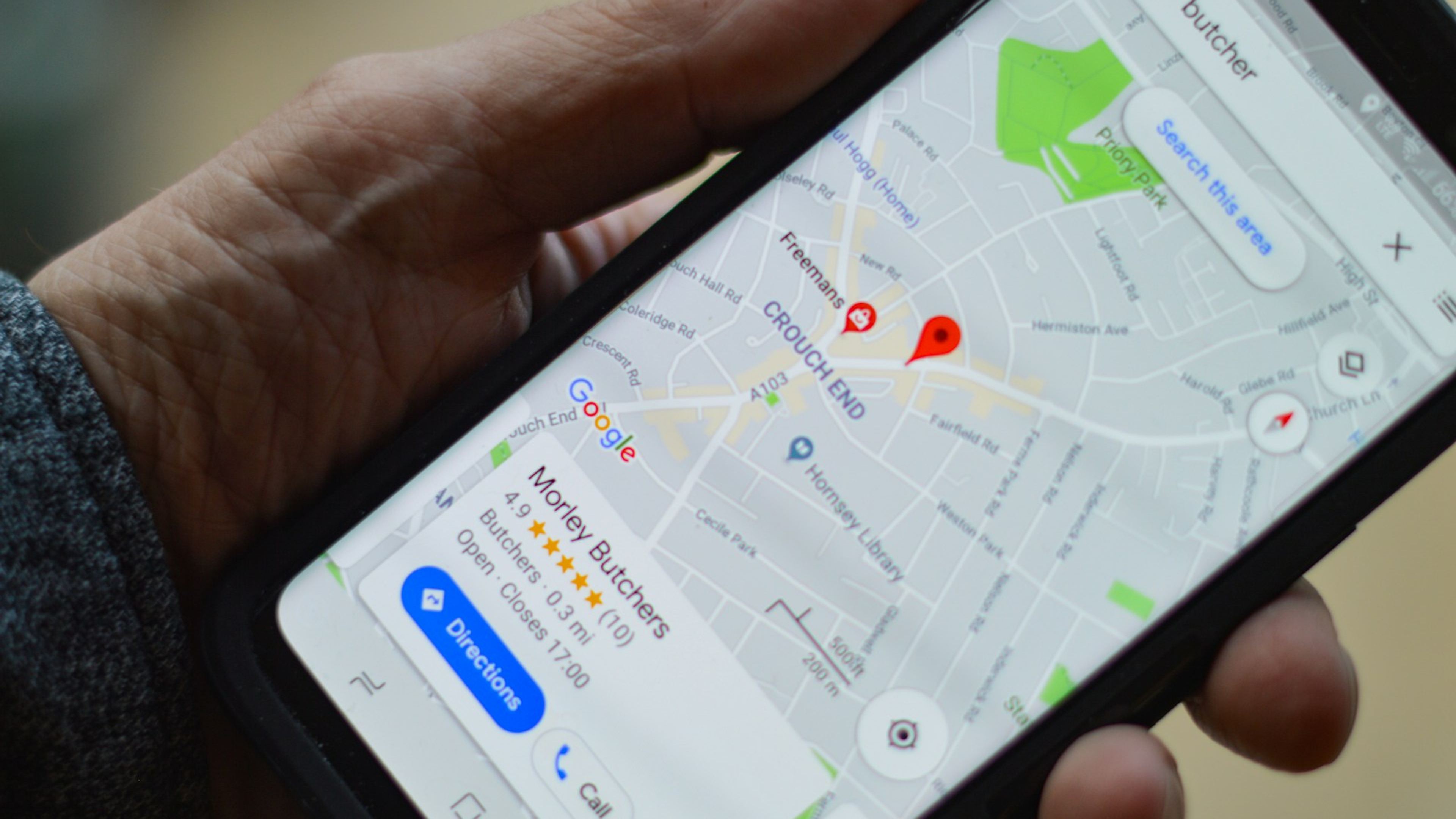
Your Google Business Profile is the card that appears in the map view and on the right side of search results when someone searches for your service nearby. It is often the first thing a potential customer sees about your business, before your website.
Many businesses set up a profile once and forget about it. A half-empty profile does not look wrong, it looks neglected, and it loses customers who are comparing more than one business at the same time.
Setting it up step by step
1. Check whether a profile already exists
Google sometimes creates profiles automatically from information it gathers elsewhere online. Search for your business name on Google Maps first. If a profile already exists, claim it instead of creating a new one and ending up with two overlapping listings.
2. Create the profile at google.com/business
Enter the business name exactly as it appears on your sign and invoices. Choose the primary category carefully. It is the single most important choice on the whole profile, because it decides which searches your profile surfaces for.
3. Set your service area or address
If customers come to a physical location, use the real street address. If you serve customers at their location, like a plumber or a cleaning company, set a service area by city or postal code instead of showing a home address publicly.
4. Verify the profile
Google sends a verification code by post, phone, or email depending on the business. For many service-area businesses, Google requires video verification instead, where you film your workplace or equipment through your phone camera directly in the app. An unverified profile does not rank as well as a verified one, so this step is worth handling right away.
What to fill in first
Phone number, opening hours, and at least five photos. These three are missing most often, and they tell a customer directly whether the business is active.
The description should say clearly what you do and where you operate, the same way you would explain it to a customer on the phone.
Opening hours should include exceptions like public holidays. Outdated hours are the most common reason a customer calls while you are closed and is disappointed from the very first contact.
Photos should show real work, real premises, and the real team. Stock photos stand out immediately and convince no one.
Optimising after launch
Filling in the profile is the start, not the end. Google also tracks how active the profile stays.
Reviews carry the most weight. Ask for a review right after the job is done, while the experience is still fresh. Reply to every review, including negative ones, because the reply is visible to every future customer, not just the one who left it.
How to ask customers for Google reviews without it feeling awkward covers the timing, the right channels, and the rules in more detail.
Google Posts work like a small notice board attached to the profile. Use them rarely but consistently, for example when your service range changes or a season turns.
The most common mistakes
The wrong primary category
A category that is too broad, like plain "Construction company" for a plumbing business, buries the profile in a much bigger pool. A precise category means fewer direct competitors and a better match to the search.
Opening hours that do not match the website
When the profile says open and the website says closed, the customer does not know which to trust. The mismatch feels small, but it is exactly the kind of detail that raises doubt.
No photos from the past year
Old photos tell the same story as old opening hours. A handful of fresh photos a year is enough to make the profile look like a business that is active right now.
The profile is only one part of local visibility. Local search runs on entirely different logic than regular Google search, and it is worth understanding before fine-tuning the profile any further.
Maintaining a profile is the same work as maintaining a website, just at a smaller scale. What maintenance actually includes explains why neither should be treated as a one-time project.
If the profile is in good shape but the business still does not show up in search results, the reason is probably elsewhere. The seven most common reasons and how to fix them covers the rest of the possible causes.
The same profile also decides whether AI recommends your business.
Summary
A Google Business Profile is a free tool that most businesses fill in halfway and forget. The right category, current details, and a steady flow of reviews are what separate a profile that brings customers from one that merely exists.
It is free, but neglecting it costs exactly as much as every contact request lost because of it.